Task management
Create, assign and track tasks with due dates, so work is finished on time and ownership is always clear.
True Task Tracker is a free Salesforce AppExchange app for task management. Create, assign and track tasks with due dates, tags, files and comments, all inside Salesforce. Your team sees what is due and who owns it, without switching to a separate project tool.
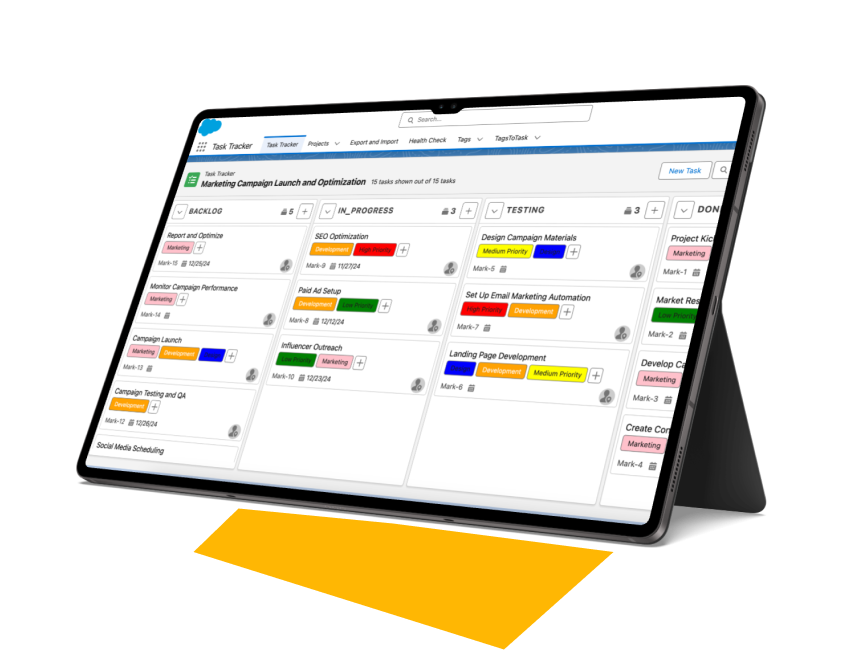
When tasks live in email, chats and a separate project tool, deadlines slip quietly. Managers chase updates in meetings, files sit in inboxes, and nobody can see the full picture next to the client record.
| Capability | Email, chats and separate tools | True Task Tracker |
|---|---|---|
| Where tasks live | Outside the CRM | Inside Salesforce |
| Creating a task | Switch to another app | Inline, from the main page |
| Prioritising | Ad hoc | Customisable tags and editable columns |
| Deadlines | Easy to miss | Due dates on every task |
| Status updates | Status meetings and pings | Real-time notifications |
| Files and comments | Scattered across email | Attached to the task |
| Change history | — | Detailed activity log |
| Salesforce org limits | — | Apps, tabs and objects do not count |
| Price | Often a separate subscription | Free |
Create, assign and track tasks with due dates, so work is finished on time and ownership is always clear.
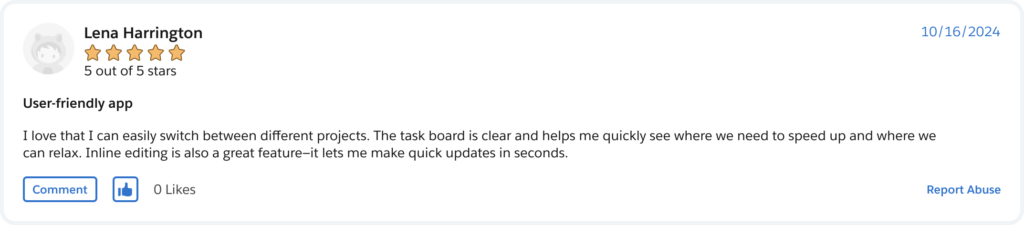
Use flexible tags to prioritise and categorise tasks, and edit the columns to match your process.
Get instant alerts when tasks change, attach files and comment, so the conversation stays with the task.
Move tasks with drag and drop and create new ones inline from the main page.
See a detailed history of changes on every task: who changed what and when.
Compatible with Community Builder, so you can bring tasks to partners or customers in your portal.
A short walkthrough of creating, organising and tracking tasks inside Salesforce.
Sales, service and delivery teams use it when tasks need to sit next to the deal, case or client they belong to.
Keep follow-ups and deadlines next to the deal, so managers see missed tasks without checking a separate tool.
How it keeps deadlines visible →Break cases into tasks, assign them across the team and keep files and comments in one place.
Run day-to-day work on a board inside Salesforce, with tags, columns and due dates that match your process.
Open the listing, click Get It Now and install the package into a sandbox or production org.
Create tags and adjust the columns so the board matches the way your team works.
Create tasks inline, assign owners and due dates, and let notifications keep everyone up to date.
A step-by-step PDF that walks your admin through installing True Task Tracker and every feature in it. Leave your email and we will send it to you.
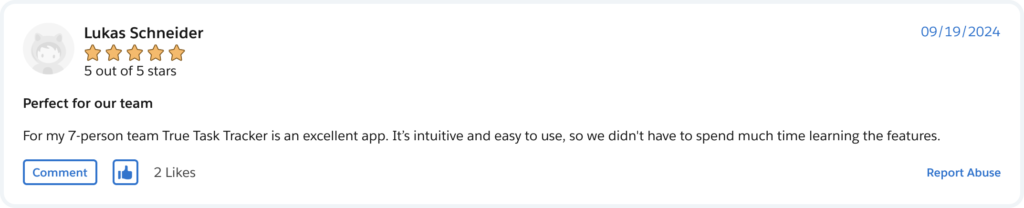
True Task Tracker is a free Salesforce app by TrueSolv for task management. Teams create, assign and track tasks with due dates, tags, files and comments on a drag-and-drop board inside Salesforce, with real-time notifications and an activity log. Its apps, tabs and objects do not count against your org limits.
Yes. The app is free on AppExchange.
No. The app's apps, tabs and objects do not count against your org limits.
In your own Salesforce org. The app is a managed package that installs in your org and receives automatic upgrades.
Yes. Files and comments are kept on the task, and the team gets real-time notifications about changes.
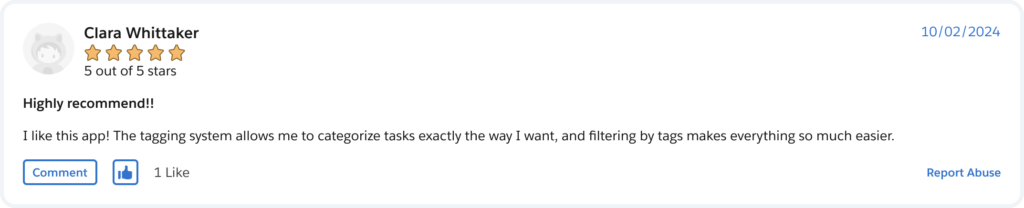
Yes. Use tags to prioritise and categorise tasks, and edit the columns to match your process.
Yes. The app is compatible with Community Builder.
A Salesforce administrator with permission to install packages. We recommend installing in a sandbox first, then in production. The setup guide covers each step.
Keep tasks, due dates and priorities on the deal or case record.
Read the article →Pair tasks with time tracking using True Time Tracker.
Read the article →Salesforce guides, tips and product updates from our team.
Visit the blog →The team behind True Task Tracker has 15+ years of Salesforce experience and 150+ delivered projects. If an off-the-shelf app does not fit your process, we can extend this one or build a new one.
Install the app for free, get the setup guide, or book a 30-minute call and our team will help you configure it for your org.