Lead and contact integration
Each booking creates or updates the lead or contact in Salesforce, so nobody has to maintain the CRM by hand.
True Event Scheduler is a free Salesforce AppExchange app for meeting and event scheduling. Book meetings and events in Salesforce, sync them with Google Calendar and send confirmations and reminders automatically. Every booking creates or updates the lead or contact, so your CRM stays current without manual entry.
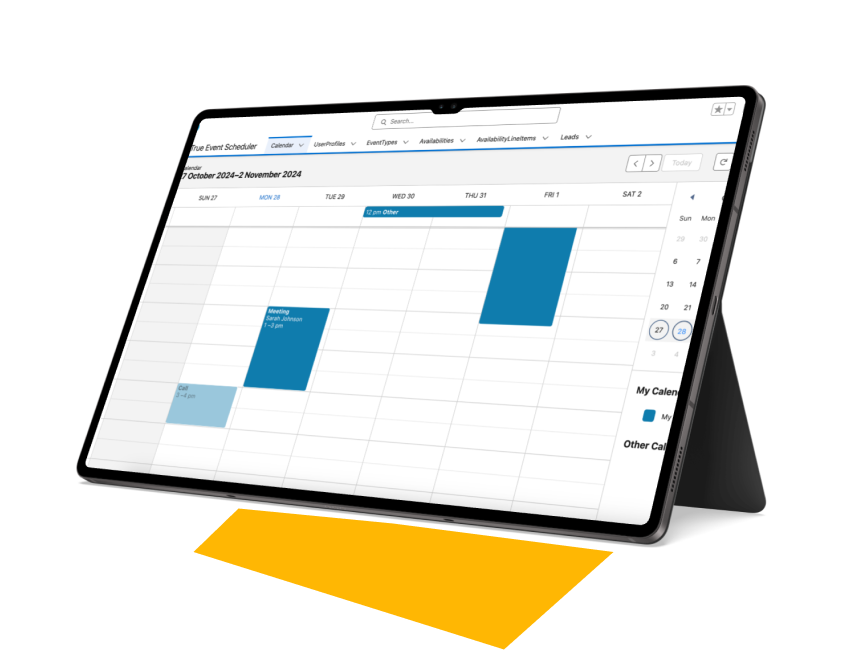
When meetings are booked by email or in a separate scheduling tool, someone has to copy them into Salesforce. Leads are not updated, double bookings happen, and reminders depend on people remembering to send them.
| Capability | Email and separate tools | True Event Scheduler |
|---|---|---|
| Where events are booked | Email threads or another app | Inside Salesforce |
| Leads and contacts | Updated by hand | Created or updated automatically |
| Calendar | Checked manually | Google Calendar sync |
| Double bookings | Common | Only open slots are shown |
| Confirmations and reminders | Sent manually | Automatic emails |
| Sharing events | Copy and paste | ICS export |
| Price | Often a separate subscription | Free |
Each booking creates or updates the lead or contact in Salesforce, so nobody has to maintain the CRM by hand.
Events stay in step with Google Calendar in near real time, which helps avoid scheduling conflicts.
Only the dates and times open under the organiser's availability are shown, so double bookings are prevented.
Confirmation and reminder emails go to organisers and attendees automatically.
Set up event types with their own durations and descriptions, from a quick call to a full demo.
Export events in ICS format, so attendees can add them to any calendar app.
A short walkthrough of booking an event, syncing it with Google Calendar and updating Salesforce records.
Sales, customer success and event teams use it when every meeting should be visible on the record it belongs to.
Book demos straight from Salesforce and keep the lead or contact up to date the moment a meeting is scheduled.
Schedule onboarding sessions and regular check-ins with automatic reminders, so fewer meetings are missed.
Create event types for webinars or workshops and let attendees add them to their own calendar with an ICS file.
See our webinars →Open the listing, click Get It Now and install the package into a sandbox or production org.
Connect Google Calendar, set your availability and create the event types you need.
Book events from Salesforce. Leads, contacts and calendars update, and reminders go out automatically.
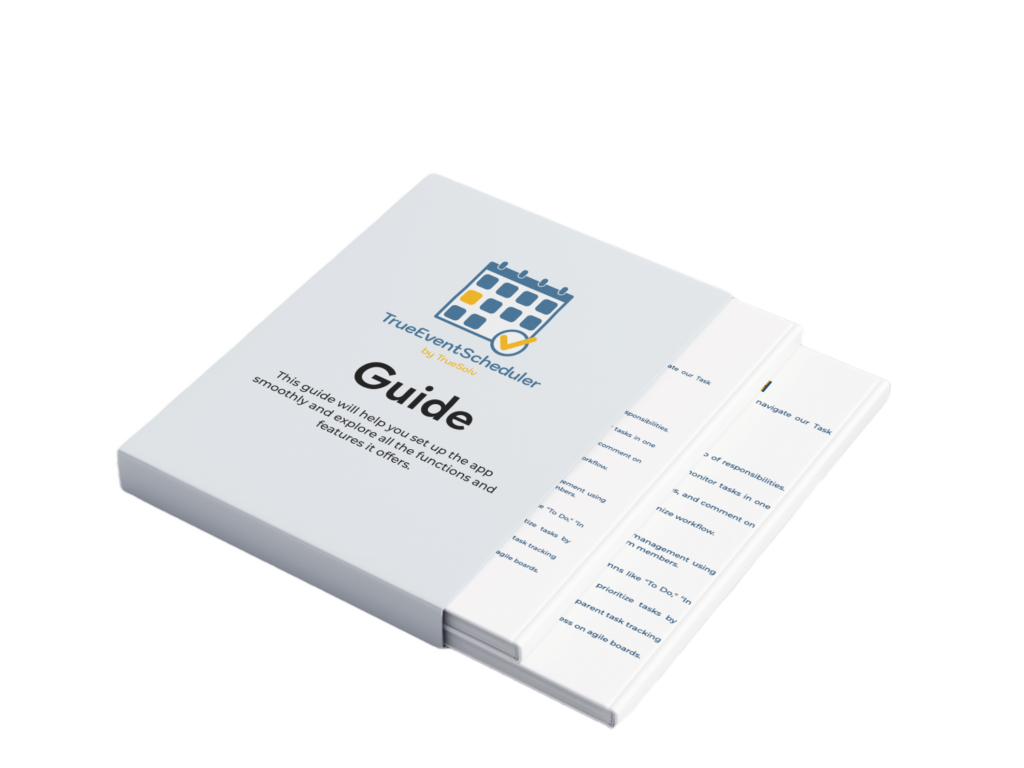
A step-by-step PDF that walks your admin through installing True Event Scheduler and every feature in it. Leave your email and we will send it to you.
True Event Scheduler is a free Salesforce app by TrueSolv for booking meetings and events. It books events inside Salesforce, syncs them with Google Calendar, shows only open slots to prevent double bookings, sends confirmations and reminders, and creates or updates the related lead or contact.
Yes. The app is free on AppExchange.
The app syncs with Google Calendar in near real time. Events can also be exported in ICS format for other calendar apps.
Yes. When an event is booked, the app creates or updates the related lead or contact in Salesforce.
It shows only the dates and times that are open under the organiser's availability settings.
Yes. Confirmation and reminder emails are sent automatically to organisers and attendees.
In your own Salesforce org. The app is a managed package that installs in your org and receives automatic upgrades.
A Salesforce administrator with permission to install packages. We recommend installing in a sandbox first, then in production. The setup guide covers each step.
Need Salesforce connected to Outlook, Calendly or another tool? Our team builds custom integrations.
Salesforce integration services →Recordings of our sessions on Salesforce, automation and AI.
Watch the webinars →Salesforce guides, tips and product updates from our team.
Visit the blog →The team behind True Event Scheduler has 15+ years of Salesforce experience and 150+ delivered projects. If an off-the-shelf app does not fit your process, we can extend this one or build a new one.
Install the app for free, get the setup guide, or book a 30-minute call and our team will help you configure it for your org.