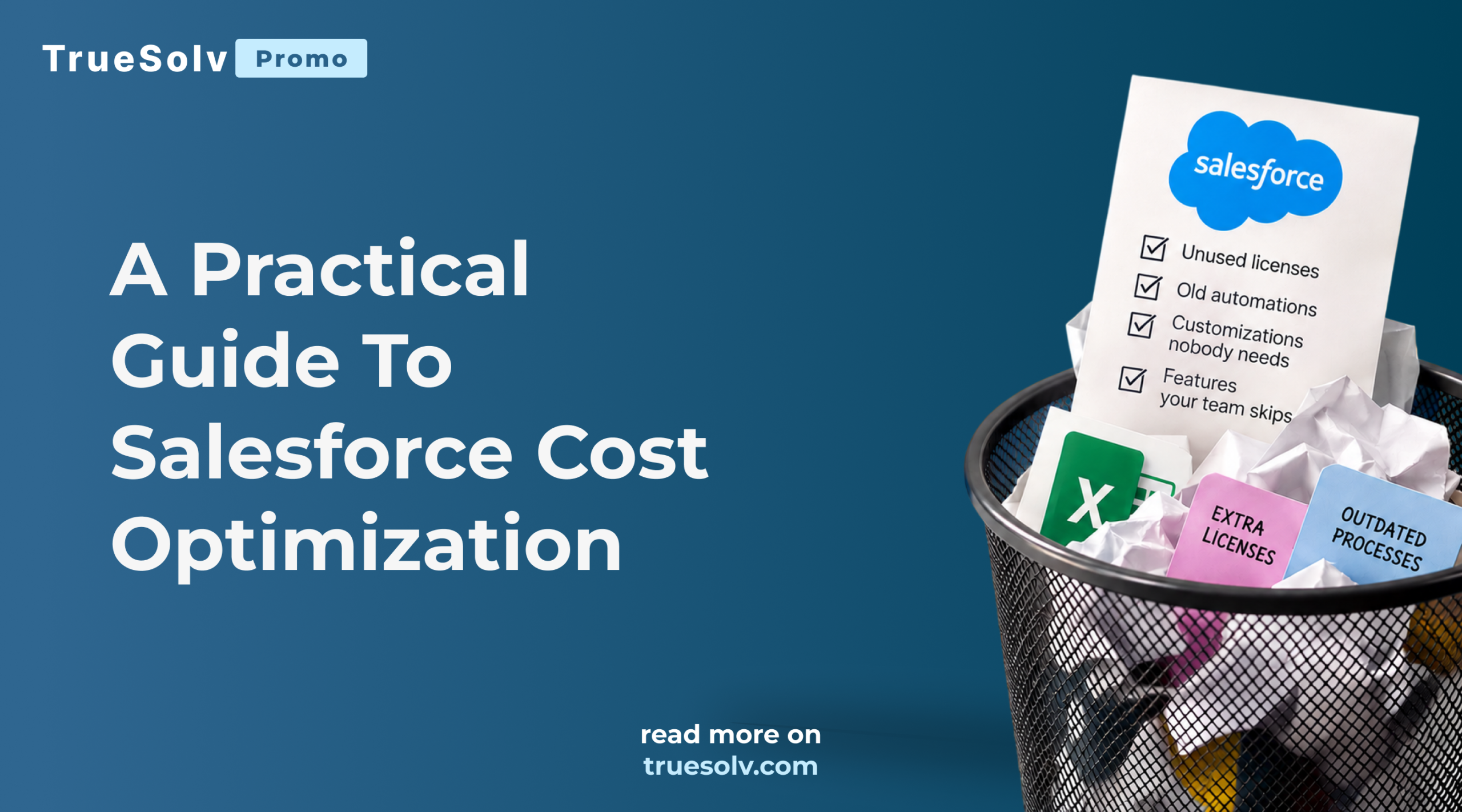
You're paying for Salesforce. But are you paying for things nobody uses?
Most companies can tell you exactly what Salesforce costs per year. Very few can tell you which part of that money actually works for them.
Salesforce cost optimization does not start with cutting features or rebuilding your CRM. It starts with a simple look at what you pay for today and how much of it your team really uses. Over the years every org collects licenses for people who left, add ons from a project that ended, automations nobody remembers and storage full of old files. And somehow, the team is still working in Excel.
This guide goes deeper than our LinkedIn post. You will find the six places where Salesforce budgets usually leak, a self check you can run in about an hour, and what a full cost review covers when you want a second pair of eyes.
What is a Salesforce cost review?
A Salesforce cost review is a structured look at your licenses, products, add ons, storage and customizations, compared with how your team actually uses Salesforce, that ends with a clear list of what to keep, what to change and what you can stop paying for.
It is the practical side of Salesforce cost optimization. The goal is not to make Salesforce smaller. The goal is to make sure every dollar you spend supports work that people actually do, so the budget you save can go to the features your team is missing.
A good review covers three layers.
- What you pay Salesforce for, including user licenses, feature licenses, clouds, add ons and extra storage
- What you pay to keep it running, including managed packages, integration tools, support contracts and internal admin time
- What it costs when Salesforce does not fit, including manual work, duplicate tools and processes that live in spreadsheets
Where Salesforce budgets quietly leak
1. Licenses nobody logs in with
People leave, change roles or simply stop using Salesforce, and their licenses keep renewing. This is the most common leak and the easiest one to find.
Here is a simple example with an illustrative price. If 15 users in a 100 user org have not logged in for three months and each license costs your company $150 a month, that is $27,000 a year for empty seats.
2. The wrong license for the job
Not every user needs a full Sales Cloud or Service Cloud license. People who only approve requests, view dashboards or work in custom apps may fit a lighter license type. Matching licenses to real roles is one of the fastest ways to reduce Salesforce costs without taking anything away from anyone.
3. Add ons, packages and clouds you stopped using
A marketing tool from a campaign that ended. A managed package installed for one team that later moved to another system. A cloud bought for a project that never fully launched. Each of these often renews quietly, and each one also adds fields, objects and permissions your admins still have to maintain.
Want to know what you could stop paying for?
Book a free Salesforce Cost Review. We will look at your licenses, products and actual usage with you and show where you could save without losing anything your team needs.
4. Old automations and customizations nobody needs
Flows that support a process you changed two years ago. Custom objects built for a report nobody opens. Validation rules that block real work, so people find workarounds. These do not appear on an invoice, but they cost money every time an admin has to test them before a release, every time a new feature breaks because of them and every time a user waits for a slow page to load.
Keeping that upkeep predictable is exactly what Salesforce managed services are for.
5. Storage you keep buying
Old attachments, email logs, duplicate records and years of closed data push orgs over their storage limits, and extra storage is expensive. Archiving old data, removing duplicates and moving large files to cheaper storage often makes the purchase unnecessary.
6. Work that still happens in Excel
This is the leak that hurts the most and shows up on no report. When people export data to Excel to build a forecast, track a process or prepare a board pack, you are paying for Salesforce and for the hours spent working around it.
Spreadsheets next to Salesforce usually mean one of three things. A report is missing, a process was never built, or the existing setup is too hard to use. All three are fixable, and fixing them is often the best return you can get from your current Salesforce budget.
How to run a quick self check in one hour
You do not need a consultant to see the first signs. An admin can collect most of this in about an hour.
If you find more than a few surprises, a full review is worth it before your next renewal.
What a full Salesforce cost review covers
Our free Salesforce Cost Review goes through four areas with you.
- Licenses. Who has which license, who actually uses it and where a different license type would fit better.
- Products and clouds. What you pay for, what is used and what overlaps with other tools in your stack.
- Actual usage. Logins, features, reports and automations that are active versus the ones that are just running.
- Potentially unnecessary costs. Storage, packages, customizations and manual work that cost more than they return.
You get concrete recommendations, ranked by savings and effort, that your team can act on with or without us. It is not a rebuild and it is not a pitch to replace Salesforce. Most of the time the answer is to use what you already have better.
Want to go beyond cost into security, automation and data quality? That is what our Salesforce health check covers, and our Salesforce consulting team can help put the recommendations into practice.
When is the best time for Salesforce cost optimization?
The best time is 60 to 90 days before your Salesforce renewal, because license counts are usually easiest to change at that moment. Other good moments include
- after a reorganisation, layoffs or a big change in team size
- when your admin or Salesforce partner changes
- before you buy a new tool that might duplicate something you already own
- when leadership asks why Salesforce costs keep growing
Frequently asked questions
How much can a Salesforce cost review save?
It depends on the size and age of your org. Orgs that have grown for several years without a review usually find savings in licenses, add ons and storage, and the bigger value often comes from removing manual work.
Will we lose functionality if we reduce costs?
No, that is exactly what a proper review avoids. The point is to remove what nobody uses and match licenses to real roles, not to take tools away from people who need them.
Do we need to change our Salesforce partner for a review?
No. The review works as a second opinion, and you can share the recommendations with your current partner or internal team.
How long does the review take?
The first conversation takes about 30 minutes. After that we look at your setup and come back with recommendations, usually within a few days.
Before you pay your next Salesforce bill
Salesforce is a powerful platform, and most companies use only part of what they pay for. That is not a problem with Salesforce. It is what happens when a CRM grows for years without anyone looking at the whole picture.
Before paying your next Salesforce bill, wouldn't you want to know what you could stop paying for? Book your free Salesforce Cost Review and find out in one conversation.
Get your free Salesforce Cost Review
Pick a time that suits you, and we will walk through your licenses, products and usage together.
Follow TrueSolv on LinkedIn for more practical ways to get more out of Salesforce.
Find out what you could stop paying for
Leave your details and we will set up a 30 minute call to walk through your licenses, products and usage together.